Every table is a
timing problem.
DineQon is the clock.
Digital menu with life-size AR dishes, kitchen display, table reservations, CRM and analytics — one platform that carries an order from the guest's first scan to the cheque, without a single sheet of paper.



The demo is the
real thing.
Not a video and not a mockup — these open the live platform, loaded with a working restaurant. Use a phone for the AR.
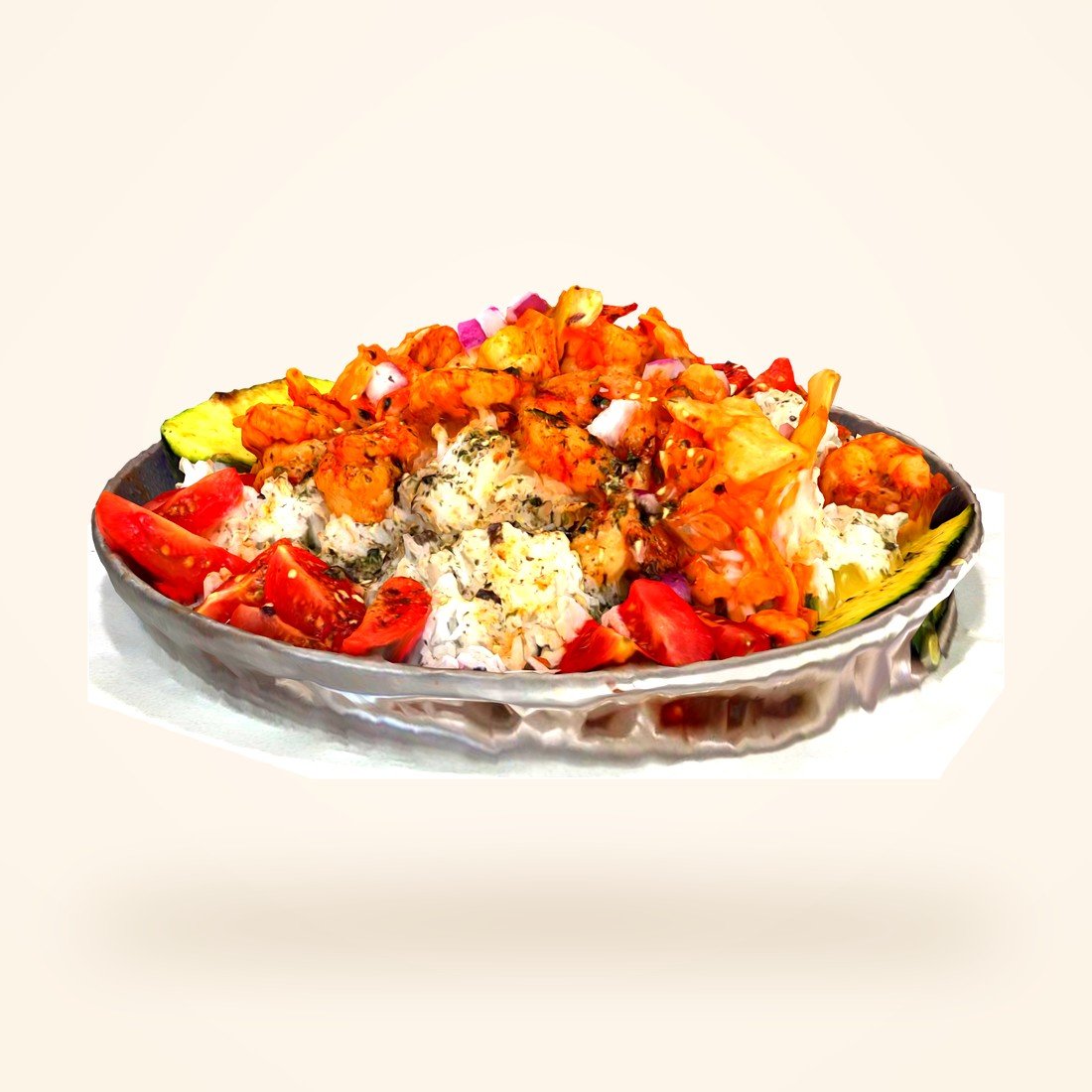
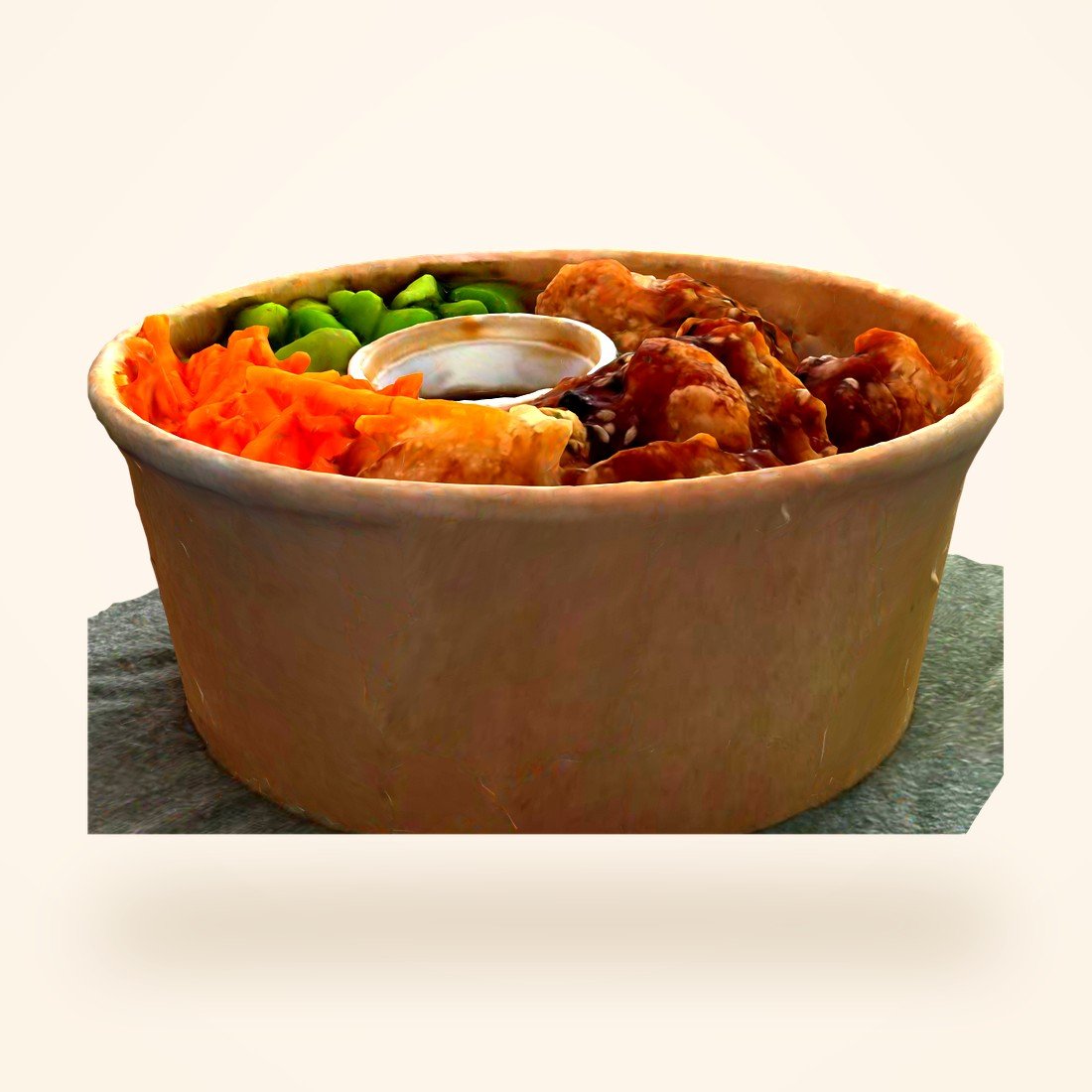
Eleven photogrammetry-scanned dishes in 3D, life-size AR on your own table, nutrition, pairings and a working cart.
- 11 dishes, every one scanned
- AR on your own table
- Nutrition + pairings
- Working cart

Tickets moving through new, cooking and ready, with a timer running on every one.
- 5 tickets mid-service
- Live prep timers
- New → cooking → ready
- Order chime

Menu and AR management, orders, live floor plan, bookings, CRM and the monthly ledger.
- 6 months of revenue
- Live floor plan
- 2,318 orders of data
- CRM + best sellers
Every dish, cut out
and turned by hand.
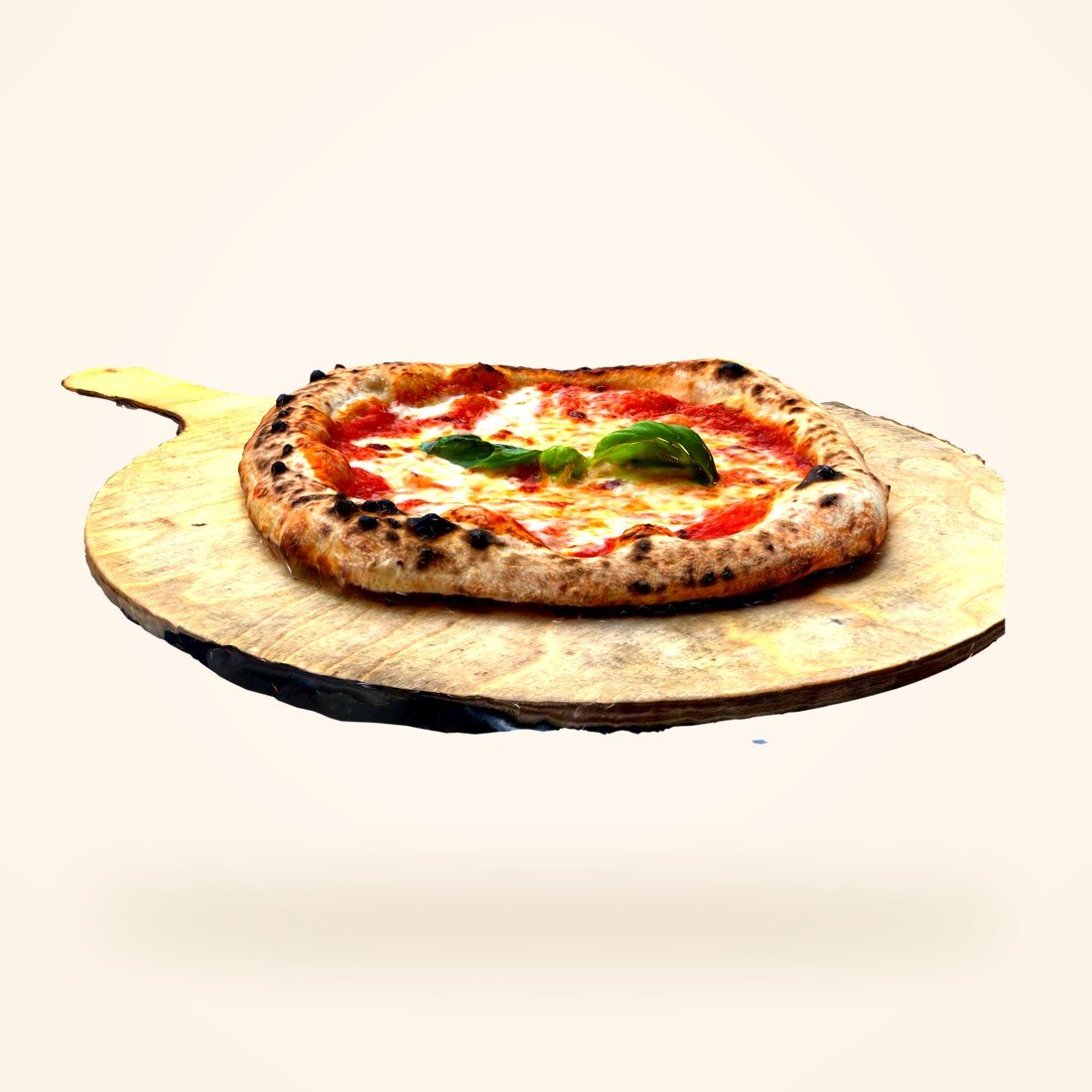
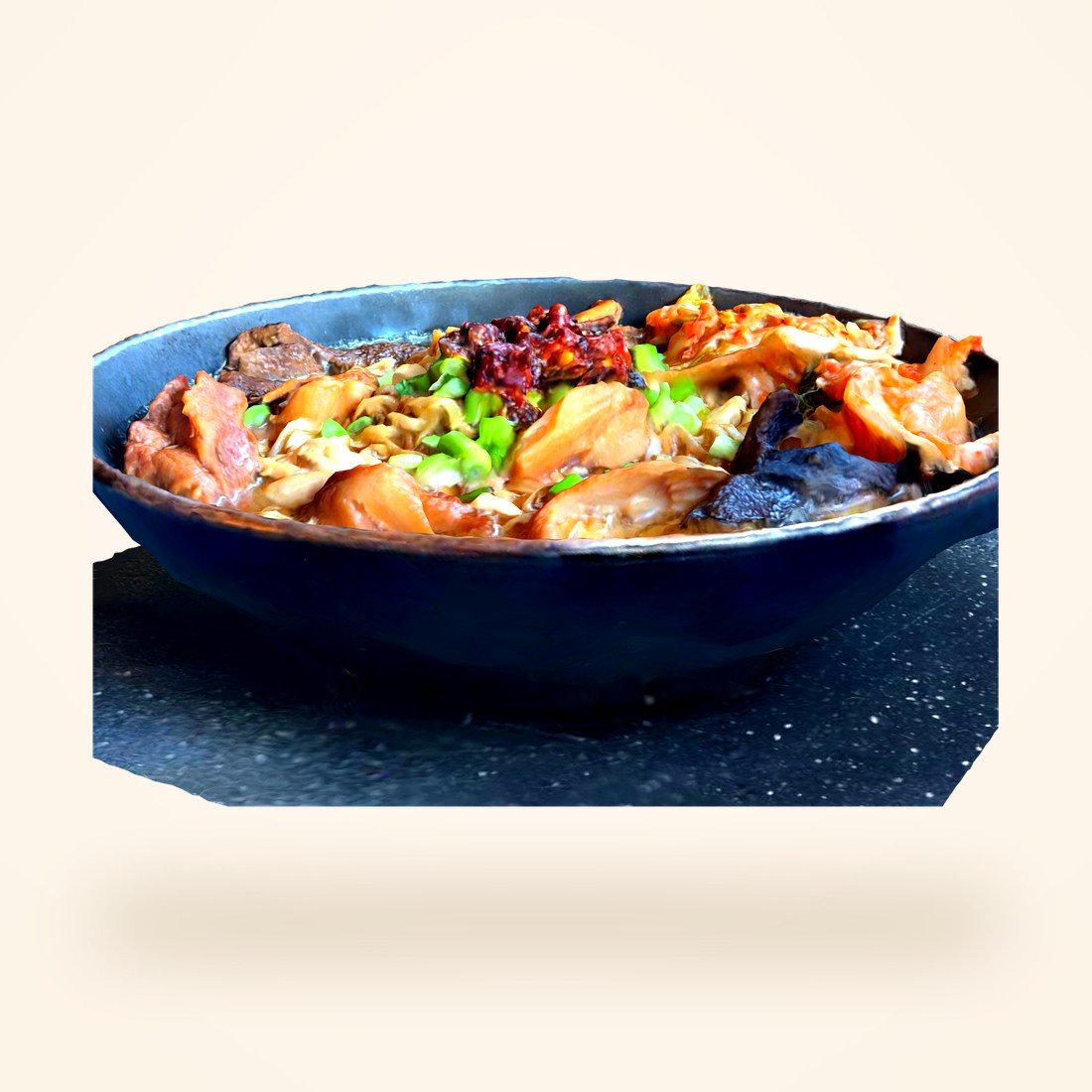
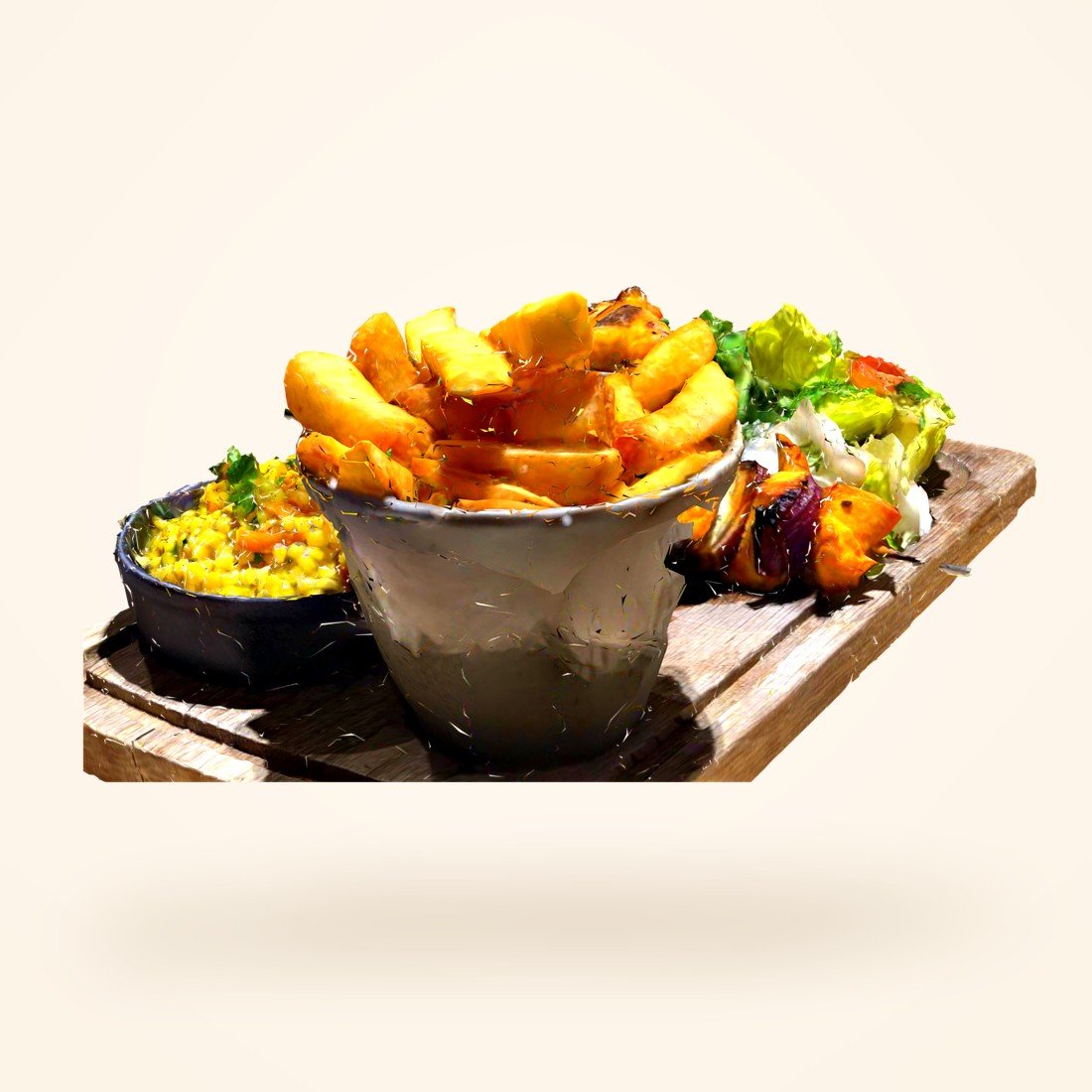
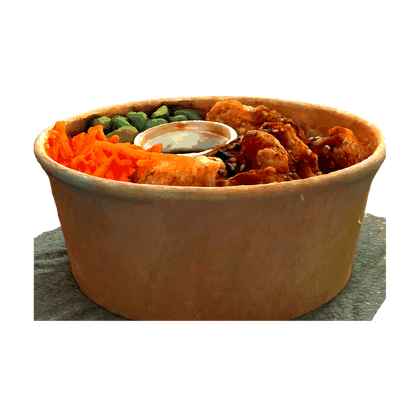
These are not photographs. Each one is a scan of a real plate, the same asset the guest turns in 3D and stands on their table. Tap any of them to open it.
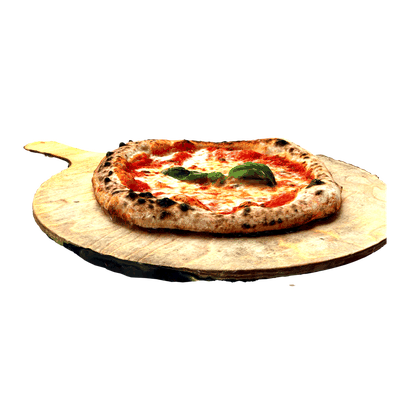
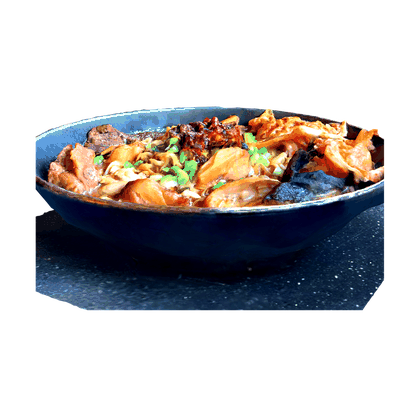
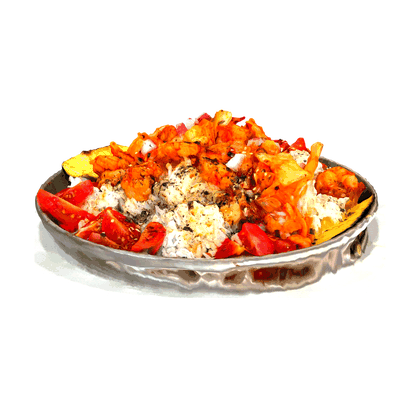
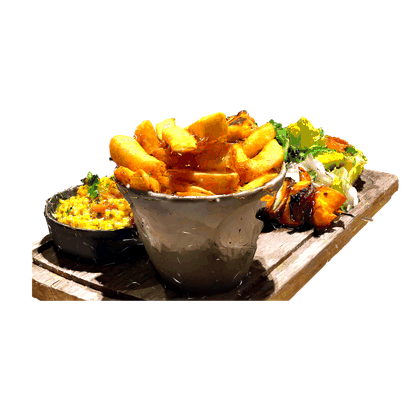

They see the dish
before they order it.
A scan opens the menu. Every dish is a real 3D scan the guest can turn in their hand, or set life-size on the table through the camera — true portion, real texture, calories floating beside it.
Menu, in three dimensions.
No app, no download. The code on the table opens the whole menu, with AR on every dish and pairings that learn from what your kitchen actually sells.
Tickets, not paper.
The order lands on the pass the second it is placed. New, cooking, ready — a timer on every ticket and special requests impossible to miss.
The whole room, live.
Free, reserved, seated, serving — the floor plan updates itself as guests arrive and orders move. Bookings take the smallest table that fits.
You already know them.
Every order builds a guest profile — visits, favourites, spend. Regulars stop being anonymous, and you have a reason to bring them back.
What actually sells.
Monthly revenue, best sellers by revenue rather than guesswork, the hours you are really busy, and how people pay.
One order, nine hands,
no paper.

Calm kitchens
move faster.
The kitchen display replaces the printer, the spike and the shouting. Tickets arrive the instant a guest orders and move by touch.
- Orders arrive the second Place order is tapped
- A timer runs on every ticket, so nothing ages quietly
- New → Cooking → Ready, moved with one tap
- Allergies and special requests highlighted, never buried

The reservation book,
finally accurate.
Guests book against real availability, and the floor plan tells the truth all night — because it's the same data your orders run on.
- Live floor: free, reserved, seated, serving
- Bookings take the smallest table that fits the party
- A six-character code the guest can look up or cancel
- Walk-ins claimed at the table, with a PIN so nobody else can order to it

Regulars stop being
strangers.
A restaurant's best asset is the person who already came once. DineQon remembers them so your floor staff can.
- Guest profiles built quietly from every order
- Visit counts, favourite dishes, average spend
- Birthday offers and loyalty rewards
- WhatsApp for order updates and the occasional good reason to return

Stop guessing
what sells.
Every order writes itself into the numbers. Open the dashboard and the month is already counted.
- Monthly revenue with the best month called out
- Best sellers ranked by revenue, not by hunch
- The hours you are genuinely busy, for staffing
- Payment mix, average order value, repeat-guest rate
What you retire
on day one.
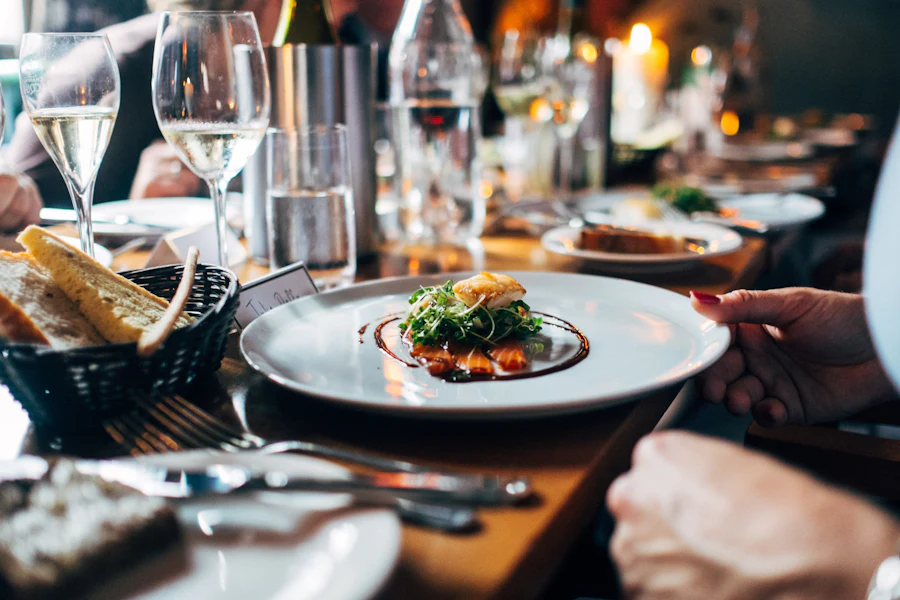
Wherever food
is served.



A dish on the table
that isn't there yet.
This is the moment guests show each other. Tap once and the dish stands on their own table at true size — the portion argument settled before it starts.
- Photogrammetry scans of your real plates, not stock renders
- Nutrition floating beside the dish as it turns
- Pinch to resize, twist to rotate
- Runs in the browser — Scene Viewer on Android, Quick Look on iPhone

Before you ask.
How does DineQon work?
Guests scan the code on their table, browse the menu in 3D, and order. The ticket reaches your kitchen display the same second. You manage the menu, floor, bookings, guests and numbers from one dashboard.
Do guests need to download an app?
No. It all runs in the phone's browser. Scan, browse, order — nothing to install, nothing to sign up for.
How does the AR preview work?
Each dish is a real 3D scan of your plate. Tapping View in AR hands off to the phone's own AR — Scene Viewer on Android, Quick Look on iPhone — and stands the dish life-size on the guest's table.
Can I use my own branding?
Yes. Your name, logo, colours, dishes and photography. Guests see your restaurant; DineQon stays out of the way.
Does it support multiple branches?
Yes — every location under one dashboard, with its own menu, floor and numbers, plus a combined view across the group.
Does it integrate with our POS?
POS integration and API access are available. Tell us which system you run and we'll confirm the fit before you commit.
How long does setup take?
Most single restaurants are live within a day: load the menu, print the table codes, done. 3D scanning of your dishes is scheduled separately and runs in one session.

Run tomorrow's service
on DineQon.
Thirty minutes, your own menu, your own tables. We'll set it up live and you can decide from there.